iPhone user shocked to discover “ridiculous” hidden feature in new clock app
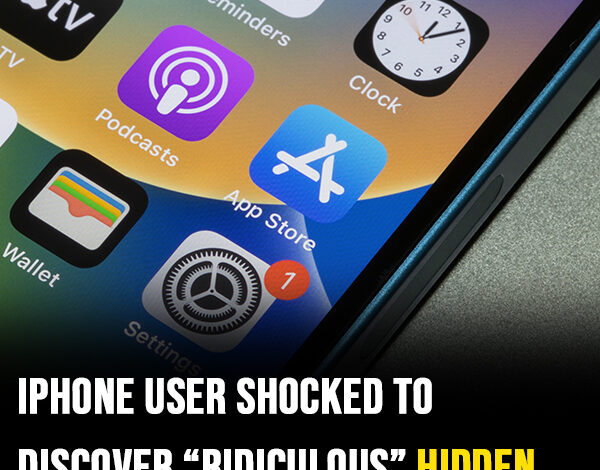
While the App Store offers hundreds of thousands of third-party applications, some of the most fascinating engineering may be hiding within Apple’s own native software. Recently, eagle-eyed iPhone owners have ignited a viral debate over a subtle, high-fidelity detail found within the iOS Clock app—one that highlights the intersection of aesthetic design and technical efficiency.
The discussion gained momentum when tech enthusiast Shishir took to X (formerly Twitter) to share a discovery that many users had overlooked for years. At a distance, the Clock icon appears as a standard functional widget, but a closer look at the second hand reveals a surprising behavioral shift.
The “Mechanical” Fluidity vs. “Quartz” Precision
“Wait… the Clock icon on iOS ticks like a quartz watch in Low Power Mode and mechanical in normal mode?? That’s ridiculous attention to detail,” Shishir posted.
The observation refers to the “sweep” of the second hand. Under standard operating conditions, the hand glides smoothly around the dial, mimicking the continuous motion of a high-end mechanical timepiece. However, once the device enters Low Power Mode, the animation transitions into a discrete, once-per-second “tick,” reminiscent of a standard quartz watch.
Design Flair or Technical Necessity?
While Apple aficionados were quick to praise the company’s legendary “attention to detail,” the tech community offered a more pragmatic perspective. The shift in animation may be less of an “Easter egg” and more of a calculated move for hardware optimization.
Experienced users and developers pointed out several technical reasons for the change:
- Frame Rate Reduction: Animating a smooth, continuous “sweep” requires the screen and processor to render numerous frames per second. By switching to a single tick per second, the system drastically reduces the number of frames being processed.
- Pixel Efficiency: As one user noted, “When you cut each second, the pixels are doing less, saving battery life.”
- ProMotion and Refresh Rates: On newer iPhones with ProMotion technology, the screen can adjust its refresh rate dynamically. In Low Power Mode or “Always-On” states, the screen can drop to as low as 1Hz (one refresh per second), making a smooth sweep physically impossible to display.
The Apple Philosophy
Apple has historically been transparent about the functions of Low Power Mode, noting that it throttles background activity and reduces visual effects to preserve longevity. Whether this specific clock behavior was a deliberate nod to horology (the study of timekeeping) or simply a byproduct of aggressive power-saving code, it has achieved its goal of captivating the user base.
Regardless of the intent, the discovery proves that even the smallest pixels in the iOS ecosystem are subject to intense scrutiny and discussion. It serves as a reminder that in the world of high-end tech, even a “tick” is never just a tick.